
Coming soon to Windows
Put a video over another video: picture in picture
A second video playing over the first, placed and sized where you want it, and styled as a card with a border, rounded corners and a shadow in one click.
Free
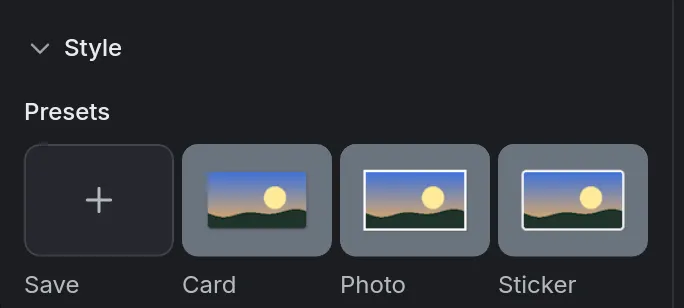
- 5 stylesCard, Photo, Sticker, Floating and Thin line: border, corners and shadow in one click
- 12blend modes, beside the opacity
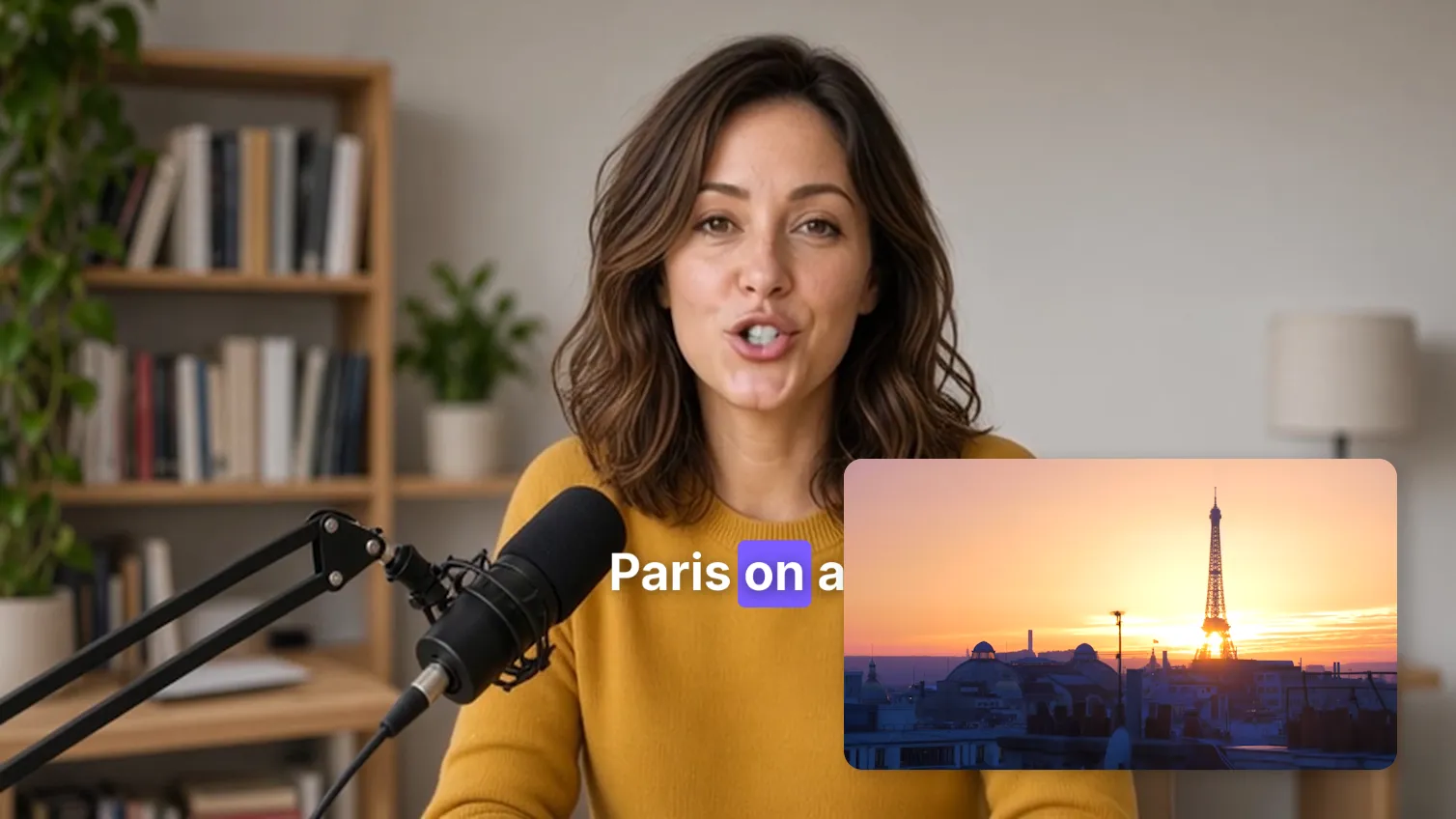
How to do it in Eigami
Drag the second video from the library’s Media tab onto the space above the main track.
On the viewer, drag it to move it, and drag a corner to size it.
In the Video tab’s Basic section, under Style, click a preset such as Card.
To let the video below show through, lower the Opacity or choose a Blend mode.
How it works
All in place in one step
Select the clips, right-click and choose Layout › Picture in picture: the lowest track’s clip fills the frame, the others go into the corners.
Your own styles
Save a clip’s style under a name, beside the presets, and use it in every project. Right-click it to rename, update or delete it.
A border around the figure
On a cut-out picture, a video with transparency or a masked clip, the border and shadow follow its outline instead of a rectangle.
What it needs
- Nothing to download: it is part of the editor.
- A DirectX 12 graphics card is recommended.
What it doesn’t do
- A picture doesn’t follow something moving in the shot: there is no motion tracking. To move it along, set keyframes on its position.
- One video can’t be the shape another shows through (a track matte): masks are shapes drawn on the clip itself.
Questions
How many videos can I put over one another?
There is no fixed number: dropping a clip above the top track makes a new track.
Can I change a preset after choosing it?
Yes. Its border, corners and shadow, colors included, can each be changed, and Ctrl+Z undoes it.
Can the picture move over time?
Yes. Position, size, rotation, opacity and the border’s and shadow’s values can all be keyframed.
Coming soon to Windows. Eigami is a free desktop video editor with no watermark. Pro, paid once, adds 4K exports and the tools that do the work for you, with AI on your computer. Free, with Pro paid once, through the Microsoft Store for Windows 10 and 11. The app never asks you to sign in. See what it does
Updated