
Coming soon to Windows
Everything Eigami does, task by task
What you do by hand is free; what the computer does for you is Pro, as are exports above 1080p and some filters and transitions. See pricing
Editing
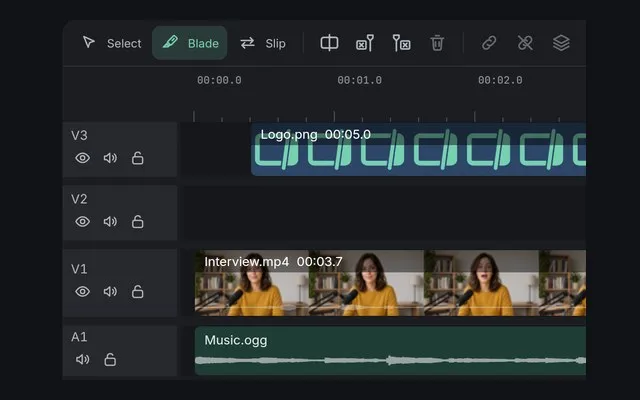
Cut and trim
Split, trim and close the gaps, the rest moving along.
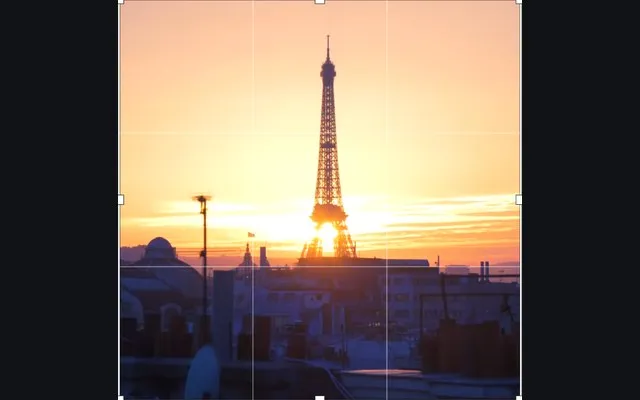
Crop and resizeFree + Pro
Square, vertical or your own size: the video in any shape.
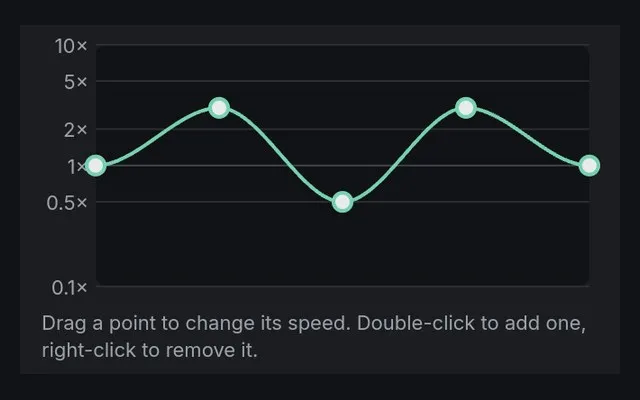
Slow motion and speed
Slow it down, speed it up, reverse it or freeze a frame.
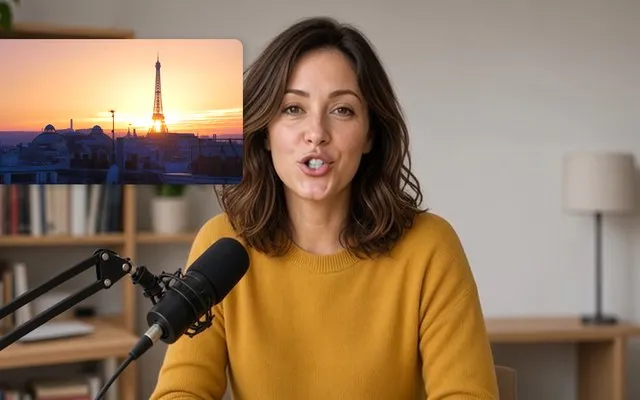
Picture in picture
A small video over another, styled as a card in one click.
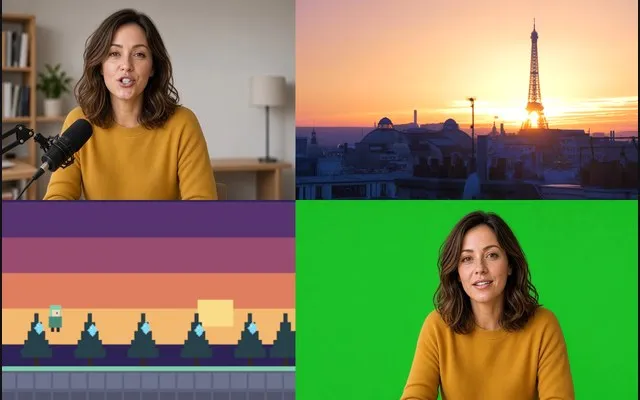
Split screen
Two to nine videos side by side, stacked or in a grid.
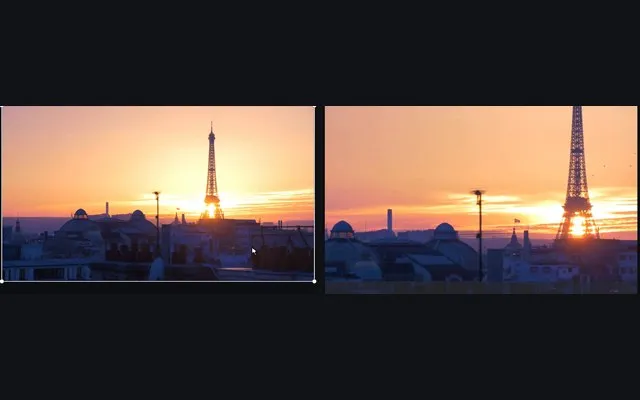
Keyframe animationFree + Pro
Move, zoom or fade anything over time, with keyframes.
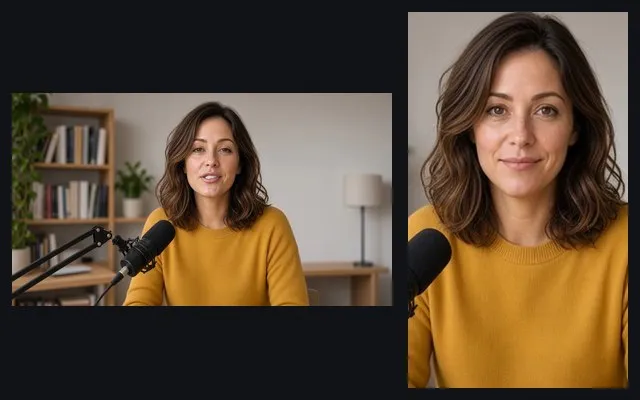
Vertical videoPro
A 9:16 version of a landscape edit, the faces kept in frame.
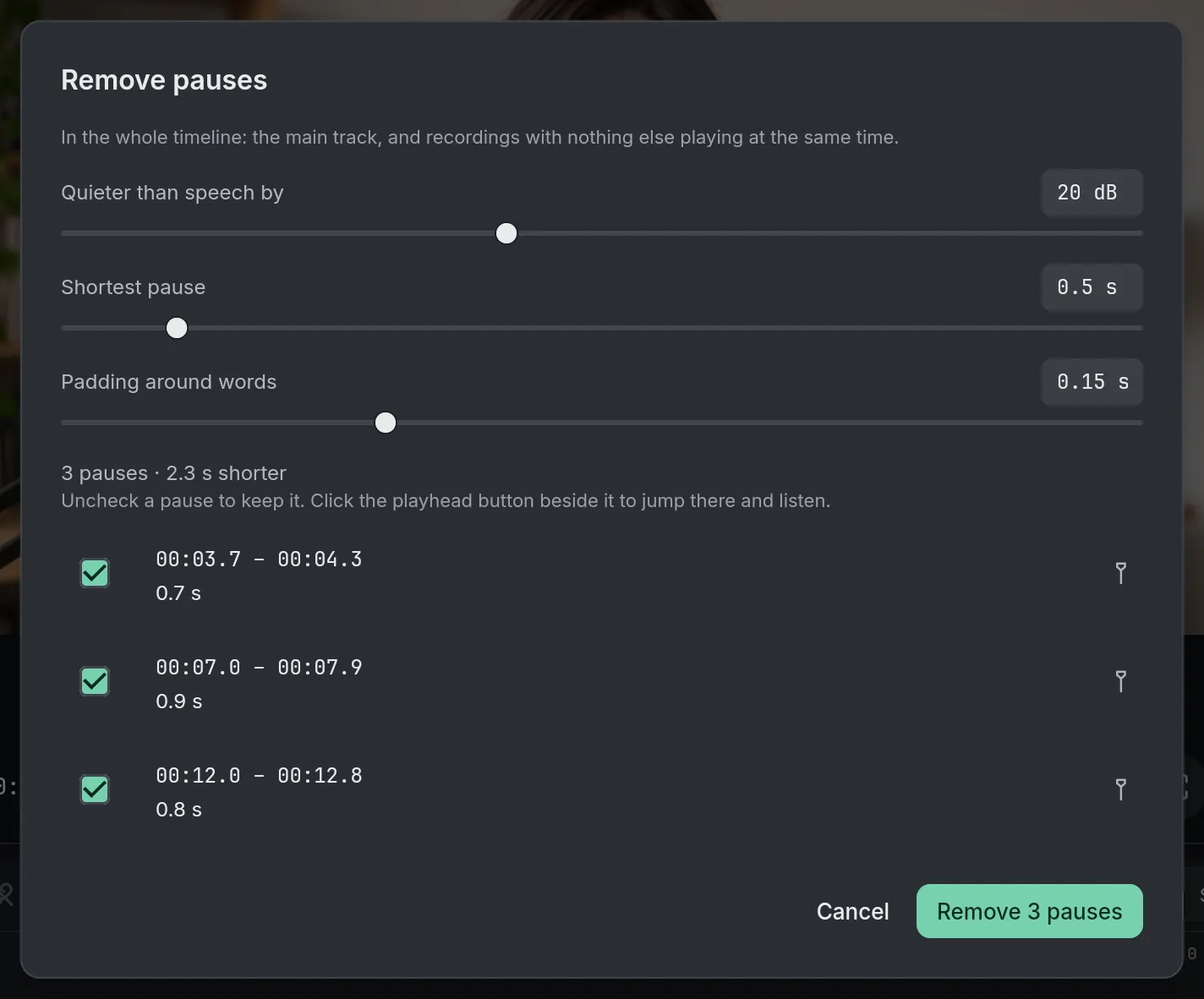
Remove pausesPro
Find the pauses in a recording and take them out in one step.
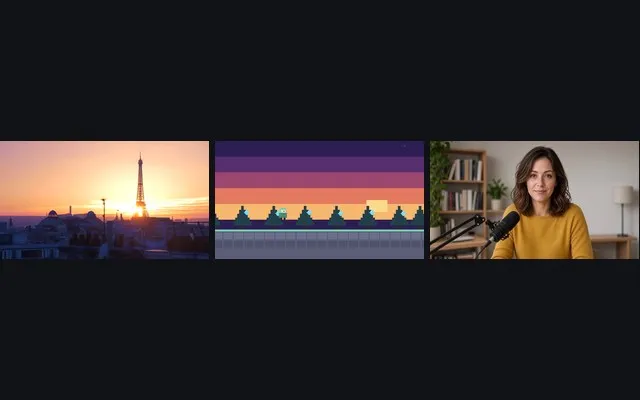
Split into scenesPro
Every shot change found and marked, then cut in one step.
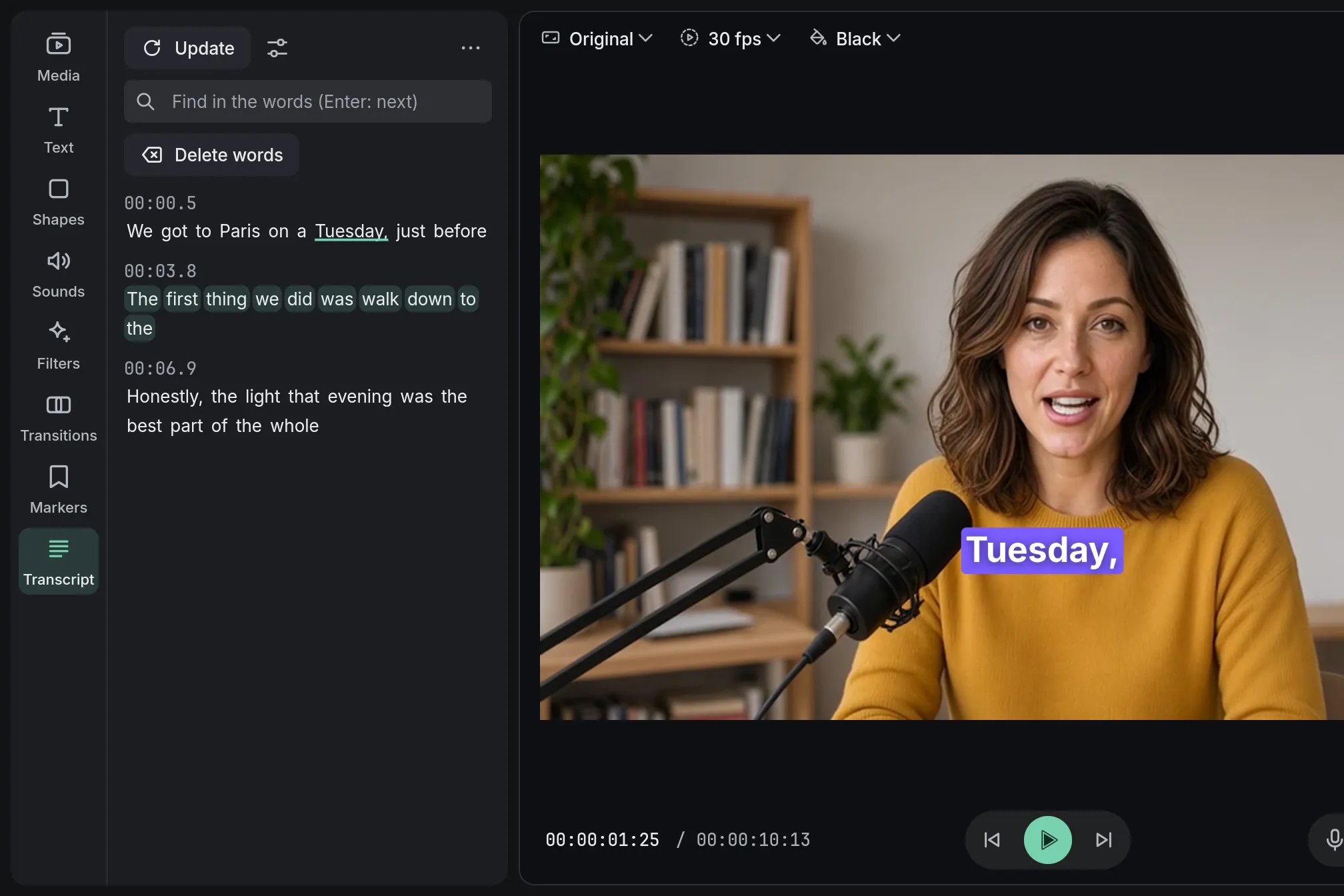
Edit by textPro
Delete a sentence from the transcript and it leaves the video.
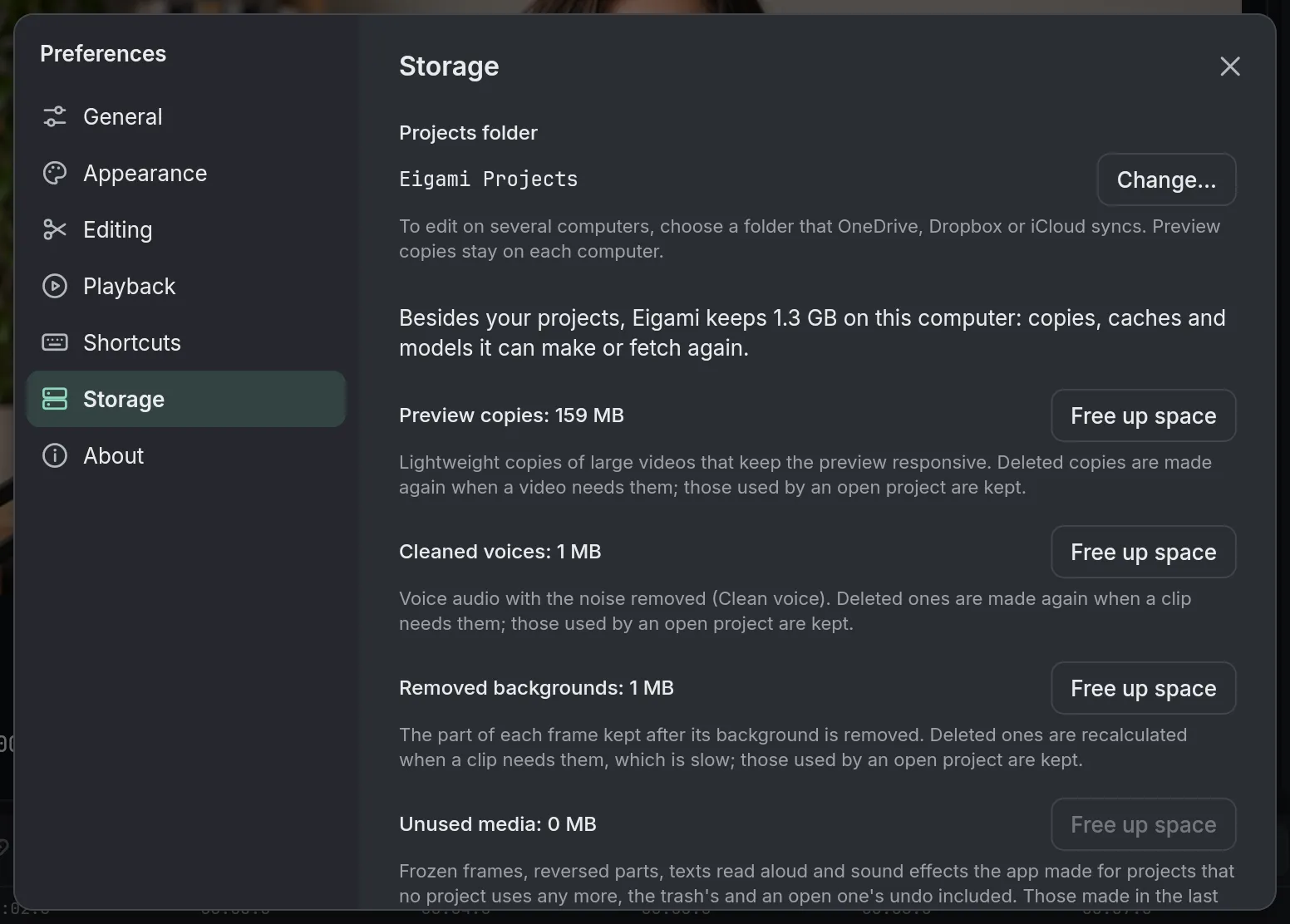
Edit 4K and long videosFree + Pro
Phone 4K and hours-long recordings, edited as they are.
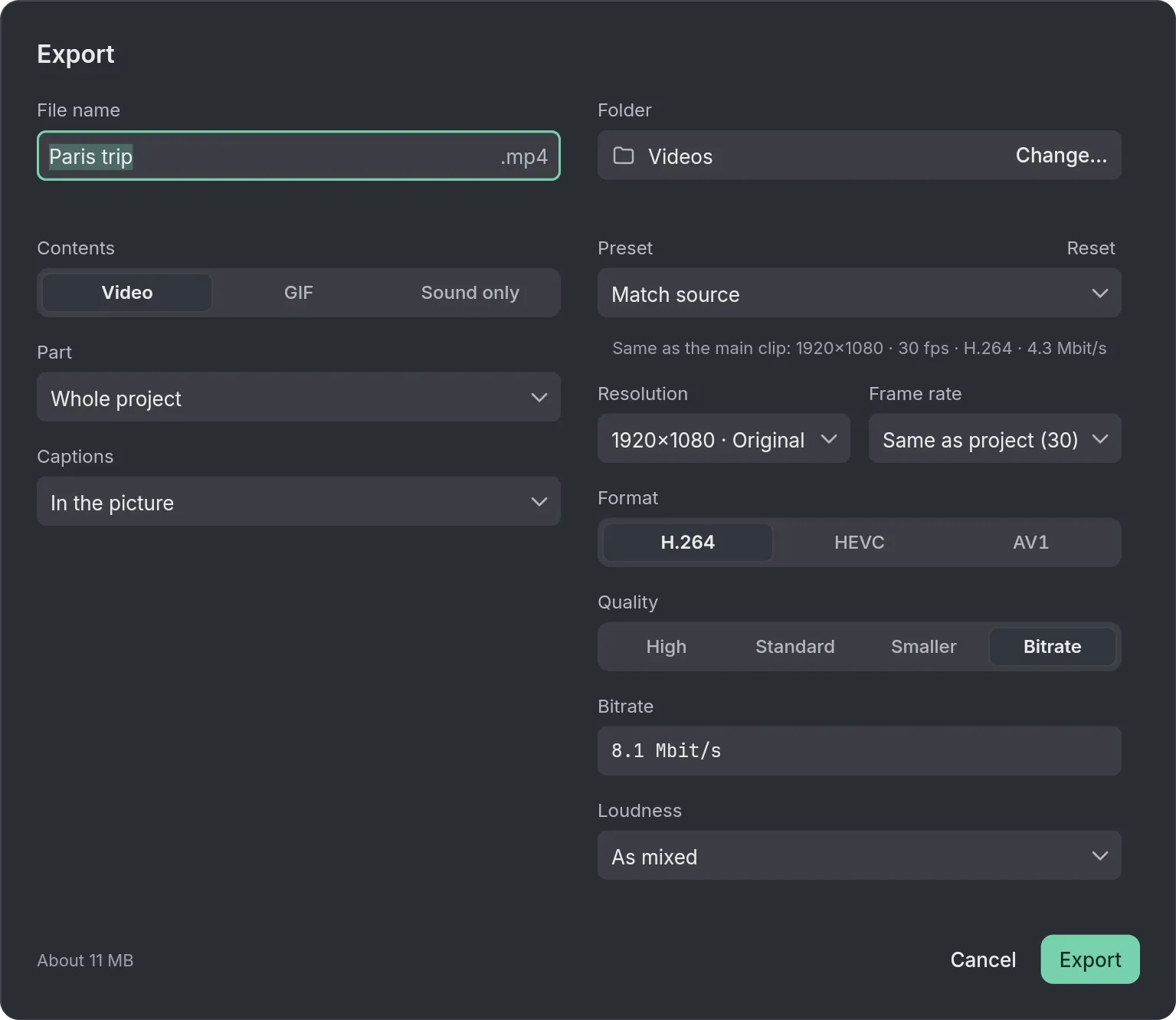
Export videoFree + Pro
MP4, GIF or the sound alone, with presets for each platform.
Text and captions

Auto captionsPro
Speech turned into captions you can edit, each word highlighted as it’s spoken.

Add text and titles
Titles and lower thirds, typed on the viewer, with letters that move.

Arrows and shapes
Show exactly where to look, in any color and size.
Picture and color
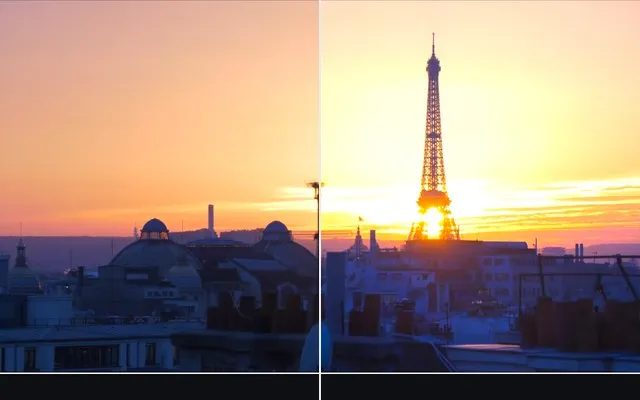
Color correctionFree + Pro
Exposure, color wheels, curves and LUTs, clip by clip.
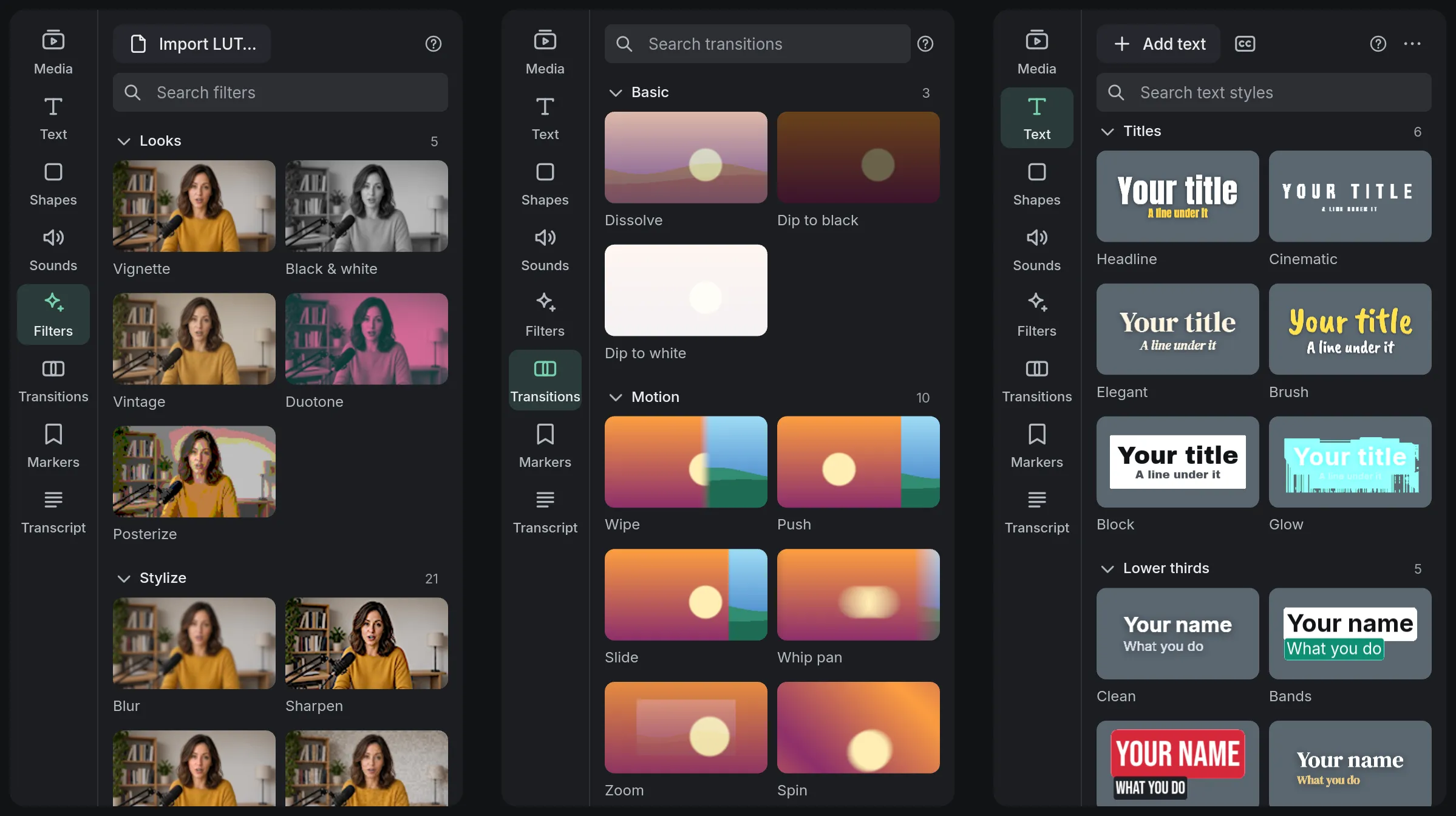
Transitions and filtersFree + Pro
Transitions on the cuts and filters on the clips, tried before you add them.

Blurred background
No black bars around a landscape video in a vertical frame.

Remove backgroundPro
Keep the person, lose the room: no green screen needed.

Green screen
One click on the green, and someone stands over another video.
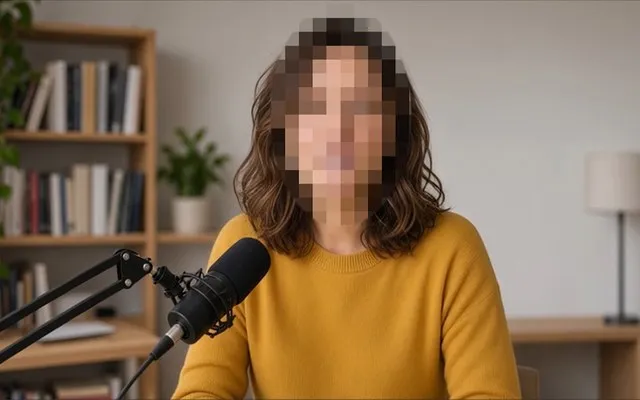
Hide facesPro
Every face blurred and followed; click one to leave it visible.

Stabilize videoPro
A shaky handheld shot smoothed out, its movement kept.

Retro video effectsFree + Pro
CRT TVs, arcade screens, handheld pixels and worn VHS tape.
Sound
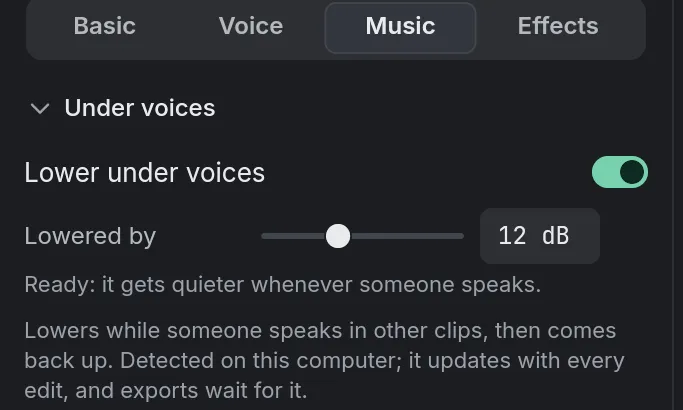
Add musicFree + Pro
A song under your video, lowered by itself when someone talks.
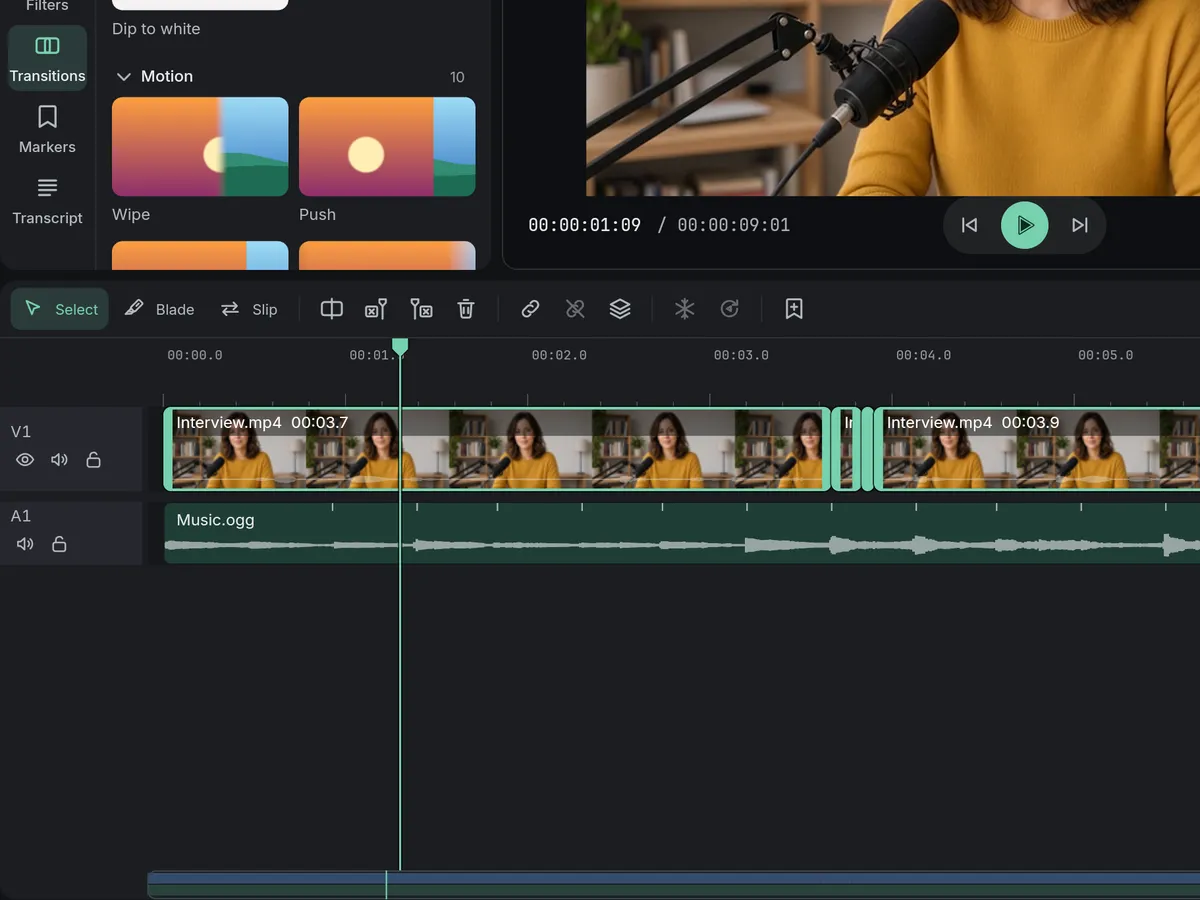
Edit to the beatFree + Pro
The song’s beats marked on the timeline, your cuts snapping to them.
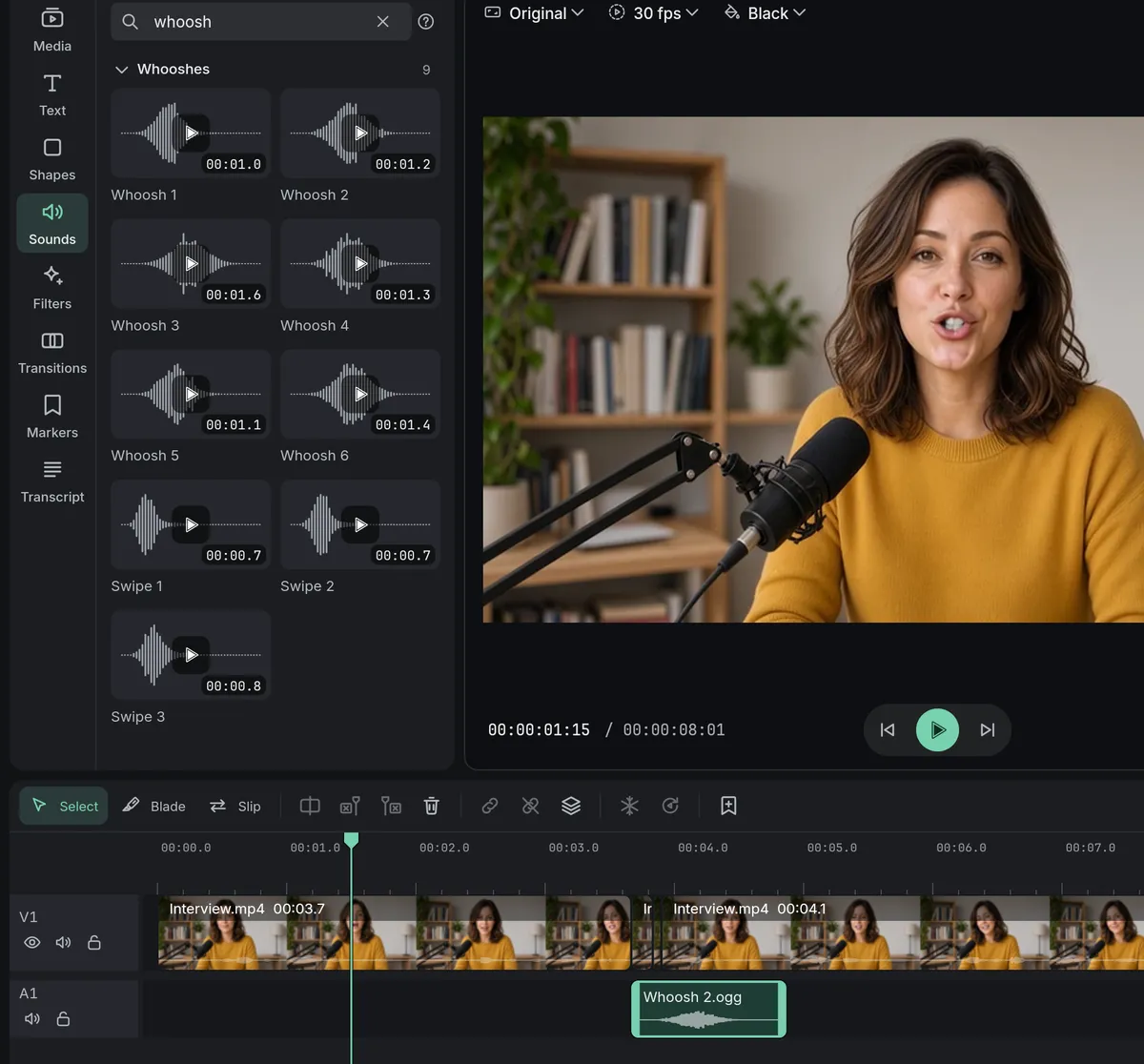
Sound effects
Whooshes, pops and dings that come with the app, free to use.
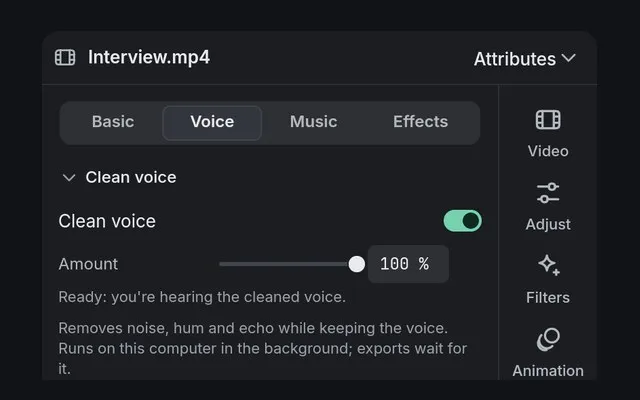
Remove background noisePro
Noise, hum and echo taken out from under a voice.
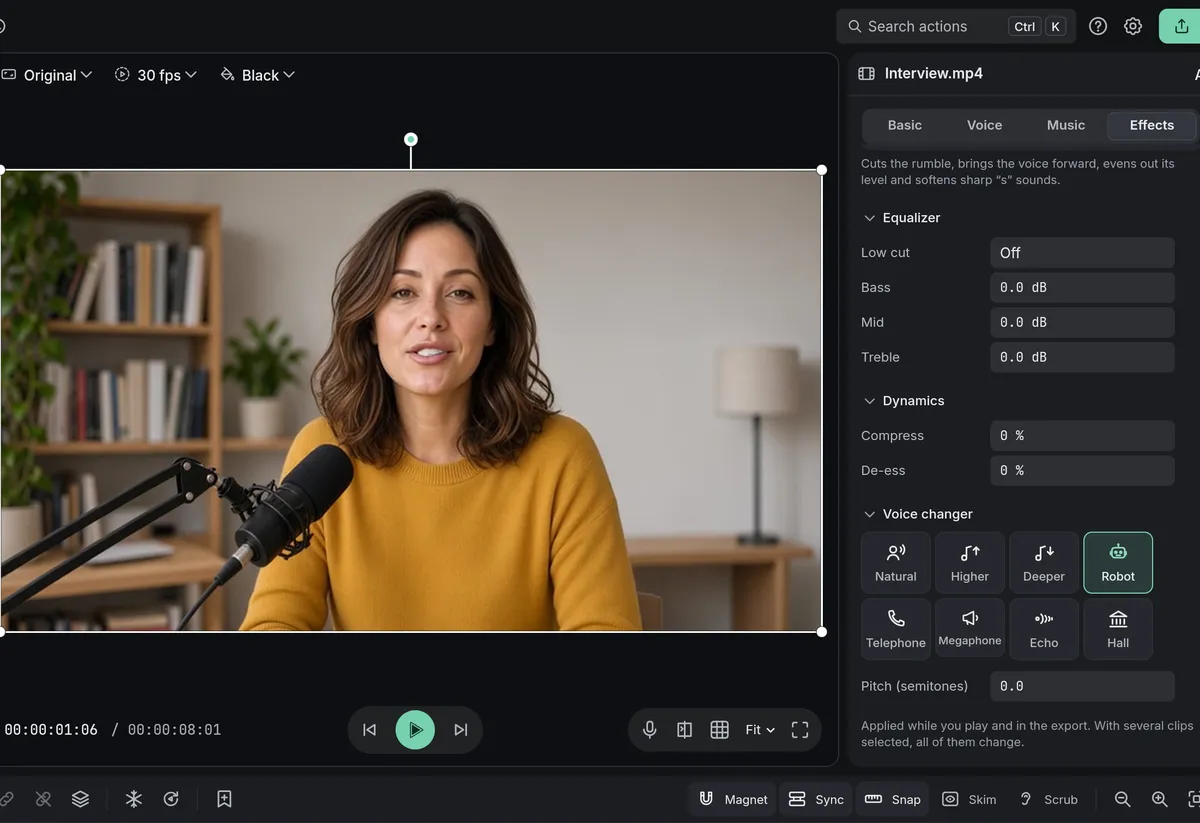
Voice changer
Higher, deeper, robot, telephone or echo, in one click.
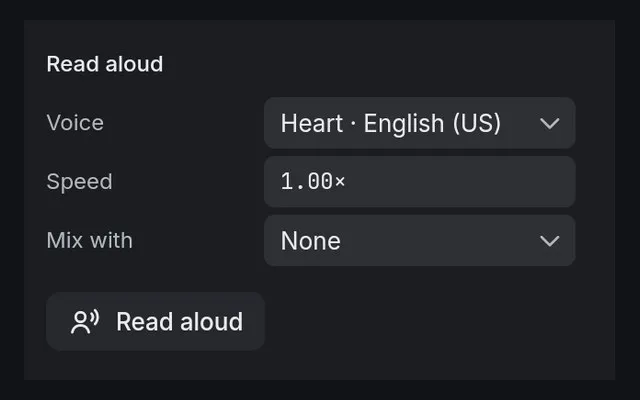
Read aloud and voiceoverFree + Pro
A text read aloud by a voice, or your own voiceover.
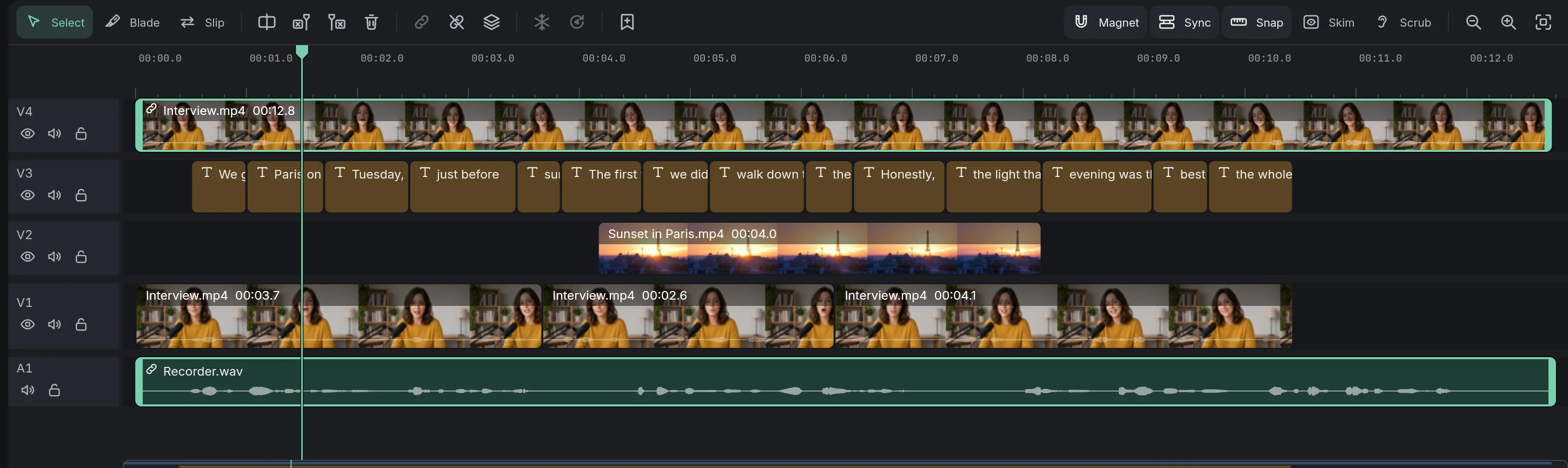
Sync audio and videoPro
A separate recorder lined up with the camera by its sound.
Coming soon to Windows. Eigami is a free desktop video editor with no watermark. Pro, paid once, adds 4K exports and the tools that do the work for you, with AI on your computer. Free, with Pro paid once, through the Microsoft Store for Windows 10 and 11. The app never asks you to sign in. See what it does