
Coming soon to Windows
Remove the background noise from a video
A voice heard clearly, without the noise, hum and echo that were under it, and still sounding like itself, cleaned in the background while you keep editing.
ProTry it on your own clips for free; exporting it needs Pro. See pricing
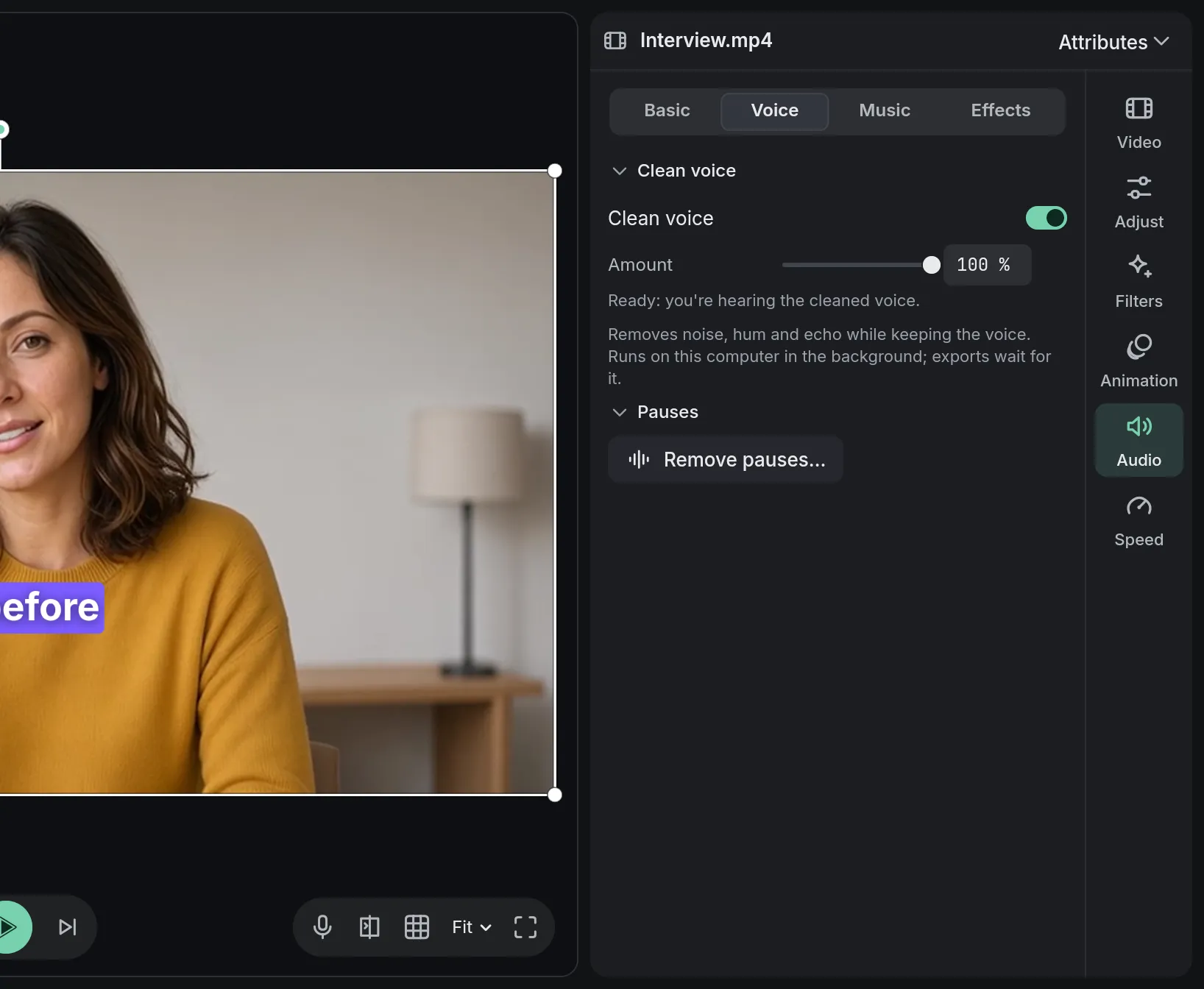
- Fan noise gonein our test recording, with the voice as loud as before
- Built innothing to download
How to do it in Eigami
Select the clip with the voice and open Voice in the inspector’s Audio tab.
Switch on Clean voice.
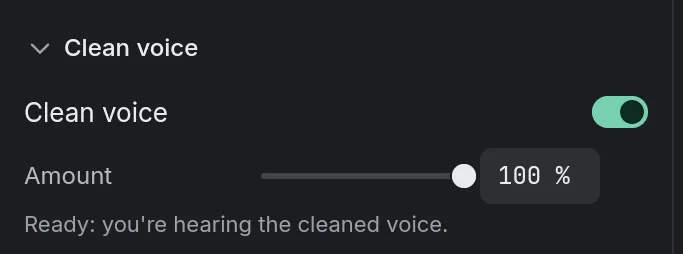
Wait for “Ready: you’re hearing the cleaned voice.” Until then, you hear the clip as it was.
Listen, and lower the Amount if the voice sounds processed.
How it works
Rumble taken too
Low rumble from traffic, air conditioning or a desk goes as well, along with the hiss and the hum.
No second wait
A recording is cleaned once for all its clips: trim, split or speed them up afterwards without waiting again.
Then polish the voice
Polish voice, in the Audio tab’s Effects, evens out the level and softens sharp “s” sounds. Fine-tune it with the Equalizer and Dynamics.
What it needs
- Space on this computer for the cleaned voices: about 0.5 GB per hour of sound. Preferences shows it and can free it; a freed voice is cleaned again when a clip needs it.
What it doesn’t do
- It keeps every voice it hears: it doesn’t pick one speaker out of several.
- It doesn’t separate music from a voice recorded over it.
Questions
Is my video uploaded?
No. The voice is cleaned on your computer; nothing is sent.
Does it change my recording?
No. The cleaned voice is a file of its own beside it. Switch Clean voice off and the clip sounds as recorded.
How long does it take?
It depends on how long the recording is. An export waits for it if it hasn’t finished.
My voice is only in one ear. Can I fix it?
Yes. In the Audio tab, set Sound from to the side with the voice, Left or Right, and it’s heard in both ears.
Coming soon to Windows. Eigami is a free desktop video editor with no watermark. Pro, paid once, adds 4K exports and the tools that do the work for you, with AI on your computer. Free, with Pro paid once, through the Microsoft Store for Windows 10 and 11. The app never asks you to sign in. See what it does
Updated