
Coming soon to Windows
Add transitions and filters to a video
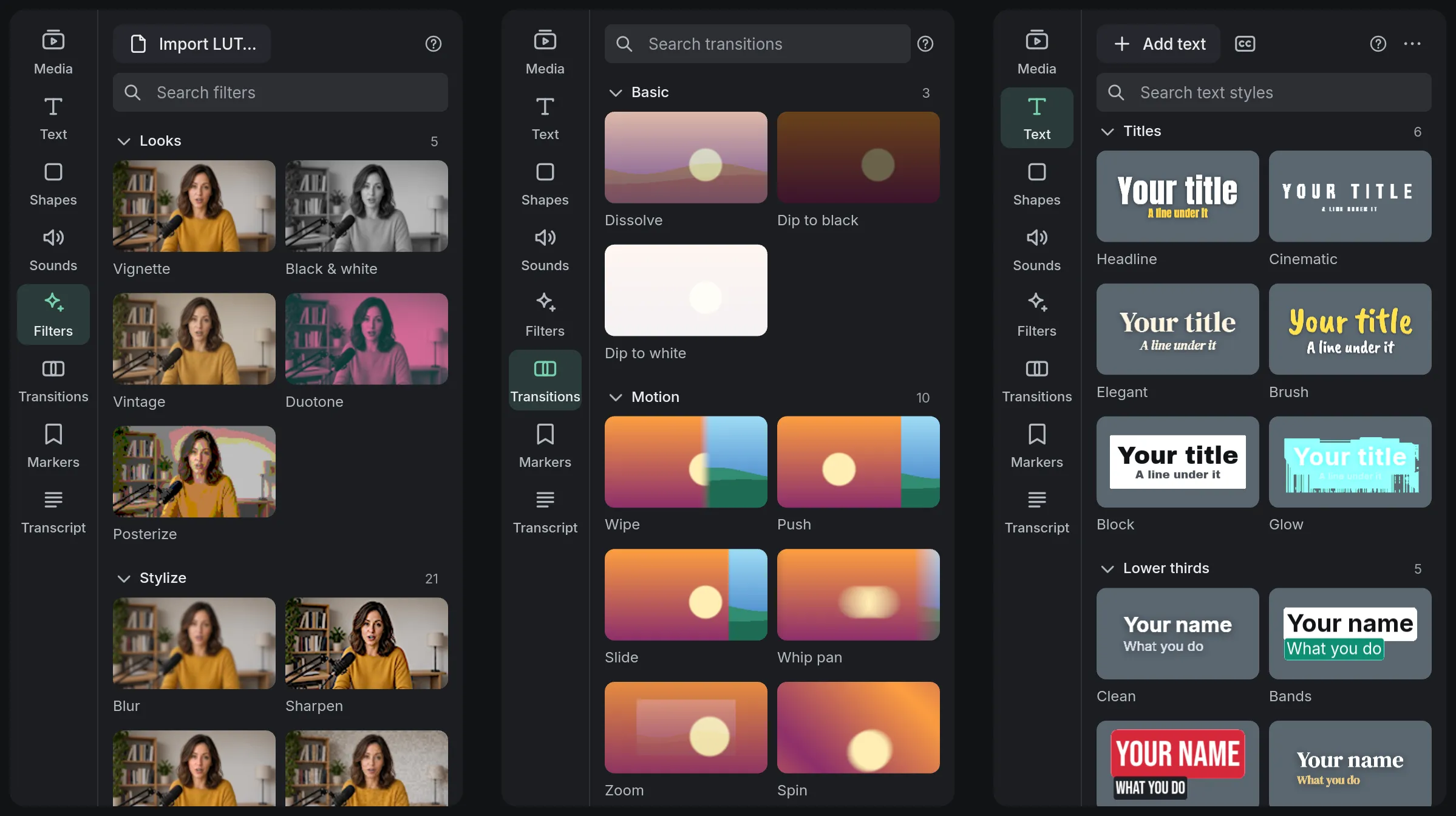
Put a transition on any cut and stack filters on any clip. Point at a tile and the viewer shows it on your clip before you click; a mix you like saves as a look.
Free + ProA selection is free; the Screens, Cinema and Glitch packs keep a few free samples, and the rest of them need Pro to export. See pricing
- 30 transitionsin Basic, Motion, Stylized, Cinema and Glitch, each tile playing itself
- 44 filtersin Looks, Stylize, Screens, Cinema, Glitch and Cutout, each tile drawn on your clip’s frame
How to do it in Eigami
Point at a tile in the library’s Transitions tab: the viewer plays it on the cut nearest the playhead.
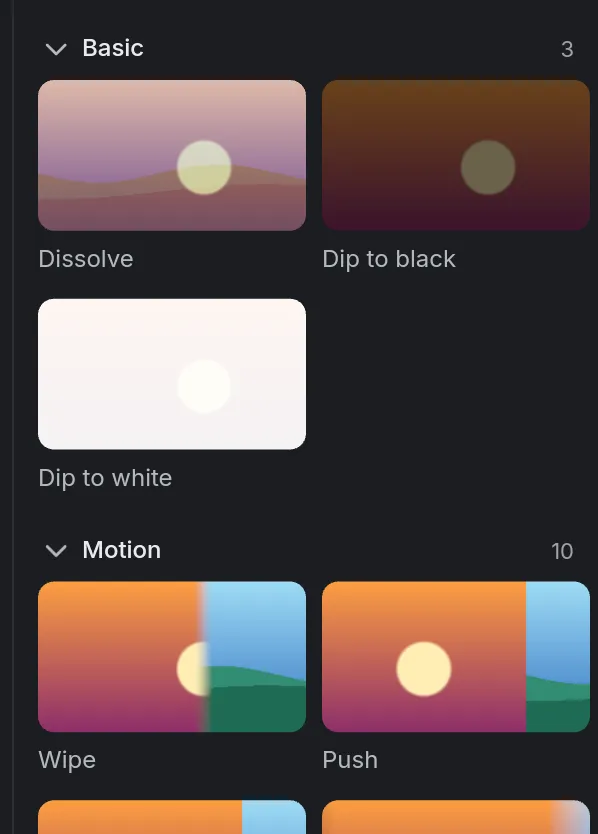
Click the tile to put it on that cut.
Select a clip, then click a tile in the library’s Filters tab to add it.
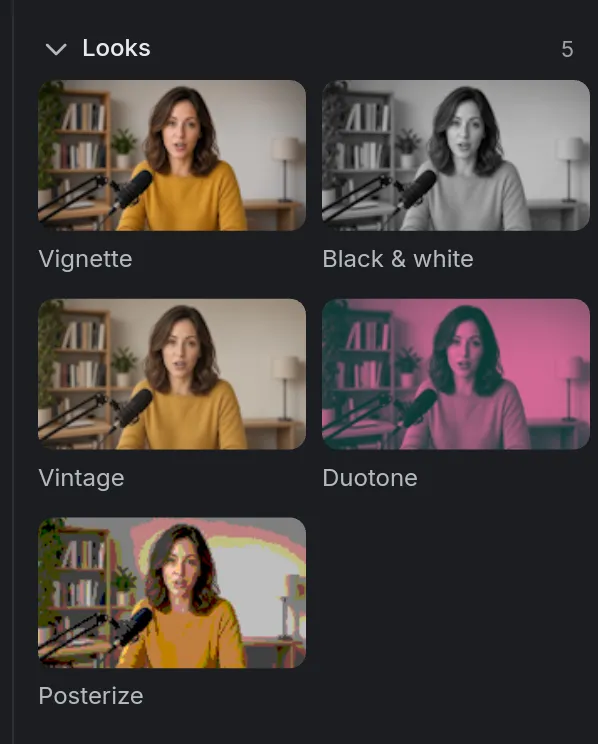
Set the filter’s Intensity in the inspector’s Filters tab.
How it works
Centered on the cut
A transition sits across the cut, so no clip moves. Drag its edges to change its length; the sound crossfades too.
A strength for every filter
Each filter has its Intensity and settings, each with a keyframe diamond. Switch a filter off, or drag it up or down the list.
Looks you keep
Save as a look… keeps every filter on the clip, with its settings, for every project. A star puts any filter or transition in Favorites.
What it needs
- Nothing to download: every filter and transition comes with the app.
What it doesn’t do
- A transition goes on a cut between two clips that touch on the same track; a single clip fades in or out with the Fade animation.
- The filters and transitions are Eigami’s own: no plugins or presets from other apps. The only files read in are .cube LUTs.
Questions
Can I drag a transition or a filter instead?
Yes. Drag a tile onto any cut or clip. Ctrl+T puts the transition you used last.
Can I put the same transition on every cut?
Yes. Select it on the timeline and choose Apply to all cuts on this track, in the inspector or its right-click menu.
Can I use my own LUTs?
Yes. Import LUT… in the library’s Filters tab adds a .cube file to My LUTs, and it goes on a clip as a filter.
Coming soon to Windows. Eigami is a free desktop video editor with no watermark. Pro, paid once, adds 4K exports and the tools that do the work for you, with AI on your computer. Free, with Pro paid once, through the Microsoft Store for Windows 10 and 11. The app never asks you to sign in. See what it does
Updated