
Coming soon to Windows
Add text and titles to a video
Titles, lower thirds and any words you like on your video, styled and placed where you want them, with letters that come in, go out or keep moving.
Free
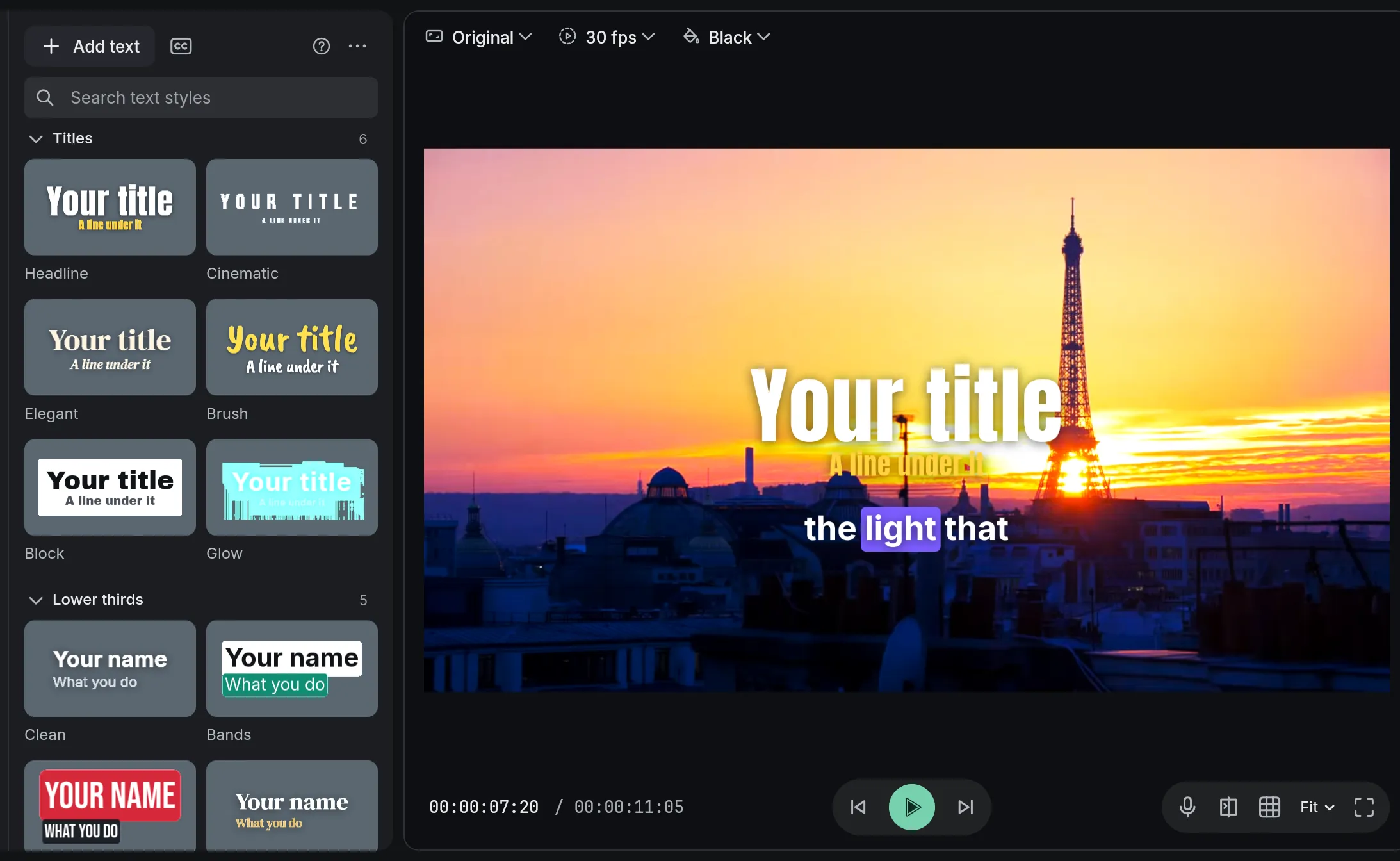
- 11titles and lower thirds of our own, placed and moving when added
- 13animations for letters, words or lines: in, out and looping
- Your own fontsany font on your computer, or a TTF or OTF file you add
How to do it in Eigami
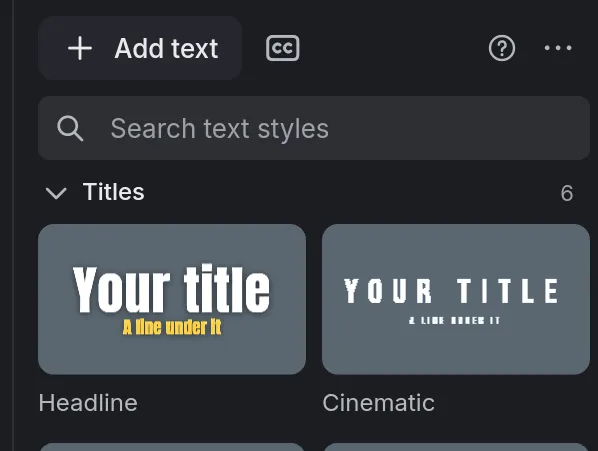
In the library’s Text tab, click Add text, a title or a lower third.
Double-click it on the viewer, type your words and drag it into place.
In the inspector’s Text tab, choose the font, size and color in Basic, and an outline or shadow in Style.
In the Animation tab, choose an In, a Loop and an Out.
How it works
Letters that move
Letters, words or lines come in and go out, from Typewriter to Lines rise, while Wave, Jiggle, Ripple or Twinkle keep them moving.
Fits any canvas
A title takes the same share of the picture in 1080p or 4K, landscape or vertical. Its side handles set where the lines wrap.
A word of its own
Select part of the words to give it its own size, color, bold, italic or a highlight behind it, like a marker’s.
What it needs
- Nothing to download: the fonts of the titles and lower thirds come with the app.
What it doesn’t do
- A part of the words can’t have a font of its own, and letters have no underline or gradient fill.
- The fonts that come with the app have no Japanese or Korean letters: there, the computer’s own are used.
Questions
Can I use my own fonts?
Yes. Choose Add a font… at the top of the font list; the font stays there for every project.
Can I save a style to use again?
Yes. Save style… in the Text tab keeps the look, and My styles in the library’s Text tab has it in every project.
Can I change a word in every text at once?
Yes. Find and replace text… (Ctrl+H) changes it in every text and caption on the timeline.
Coming soon to Windows. Eigami is a free desktop video editor with no watermark. Pro, paid once, adds 4K exports and the tools that do the work for you, with AI on your computer. Free, with Pro paid once, through the Microsoft Store for Windows 10 and 11. The app never asks you to sign in. See what it does
Updated