
Coming soon to Windows
Give a video a VHS or CRT look
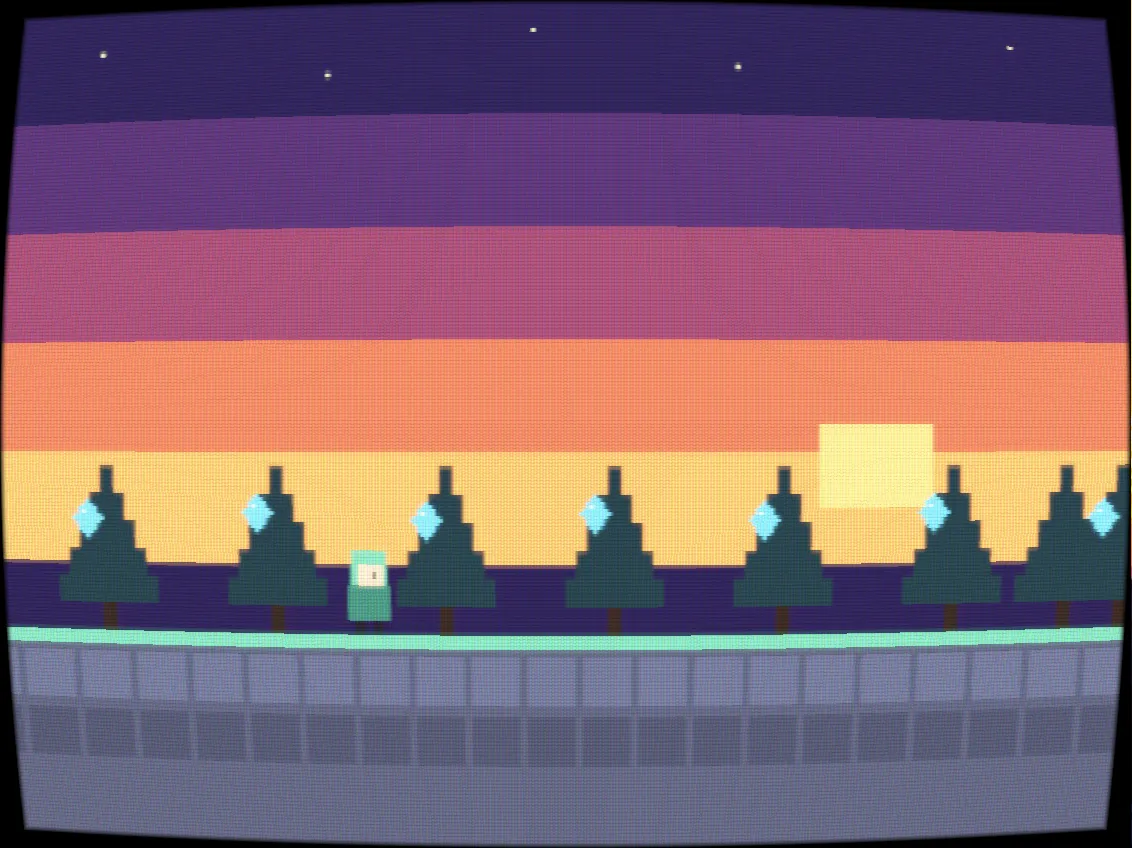
Your clip plays on an old CRT TV, a PVM monitor, an arcade cabinet, a handheld’s pixels or a worn VHS tape, with film grain and glitch on top if you like.
Free + ProCRT TV, Monochrome handheld and VHS are free; the other screens and the frames around the glass need Pro to export. See pricing
- 6 screensCRT TV, PVM monitor, Arcade cabinet, two handhelds and VHS
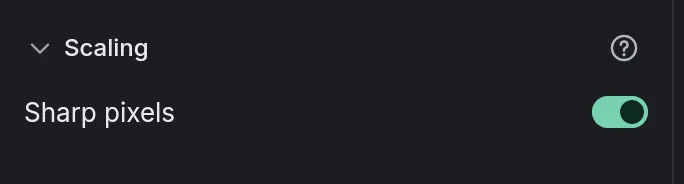
- Sharp pixelsa game or pixel art enlarged with each pixel a crisp square, not a blur
How to do it in Eigami
Select a clip and open the Screens section in the library’s Filters tab.
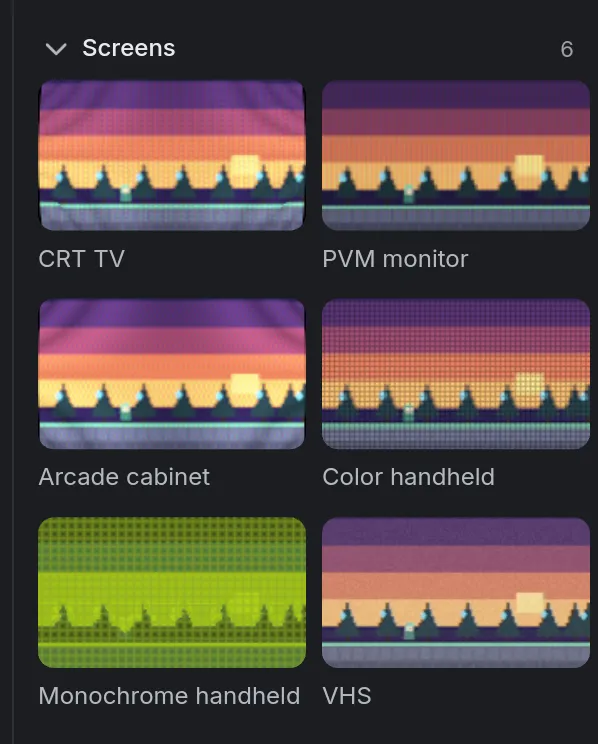
Point at a tile to preview it on your clip, then click it to add it.
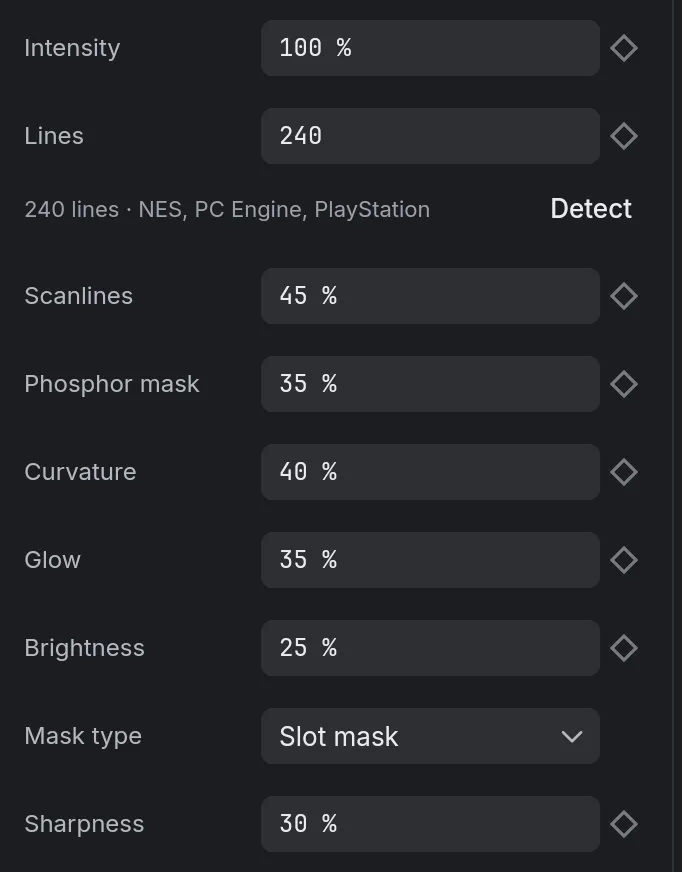
In the inspector’s Filters tab, set its Intensity and the screen’s own settings, such as Curvature or Glow.
For a game capture or pixel art, turn on Sharp pixels in the Video tab’s Fix section.
How it works
Three tubes
CRT TV has curved glass, PVM monitor flat, crisp lines, Arcade cabinet a strong glow. Bright whites glow instead of burning out.
A frame around the glass
Instead of black corners, pick a frame such as TV plastic, PVM metal, Arcade bezel or Wood, and set its thickness, or make it wider at the bottom like a TV.
A worn tape
VHS softens and smears the color, lifts the blacks and tears the bottom lines. Noise, Color bleed, Jitter and Tracking set how worn it looks.
What it needs
- Nothing to download: the screens and effects are among the app’s 44 filters.
What it doesn’t do
- The frames are drawn: you can’t put a picture of your own around the screen.
- The sound stays as it is: there is no tape hiss or wobble.
Questions
Does it work on game captures?
Yes. A screen’s lines fall on the game’s own lines, and Detect measures them again after a trim.
Do the lines change in a 4K export?
No. A CRT has the same number of lines in the viewer and in a 4K export.
Can I add grain or glitch too?
Yes, on top of a screen. Film grain (in the Filters tab’s Stylize section) and Glitch (in its own section) are free; Old film, in Cinema, needs Pro to export.
Can I animate it?
Yes. Intensity and every setting take keyframes, so a tape’s Tracking can roll in and out or a glitch come and go.
Coming soon to Windows. Eigami is a free desktop video editor with no watermark. Pro, paid once, adds 4K exports and the tools that do the work for you, with AI on your computer. Free, with Pro paid once, through the Microsoft Store for Windows 10 and 11. The app never asks you to sign in. See what it does
Updated