
Coming soon to Windows
Remove the background from a video, without a green screen
The person, or whatever stands out, kept on its own and the rest made transparent, ready to go over another video or picture. No green screen, no special lighting.
ProTry it on your own clips for free; exporting it needs Pro. See pricing
- Keep editingit works in the background; each frame shows as it’s ready
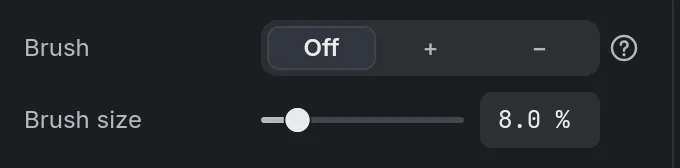
- Keep · Removea brush to touch up any part, for the whole clip

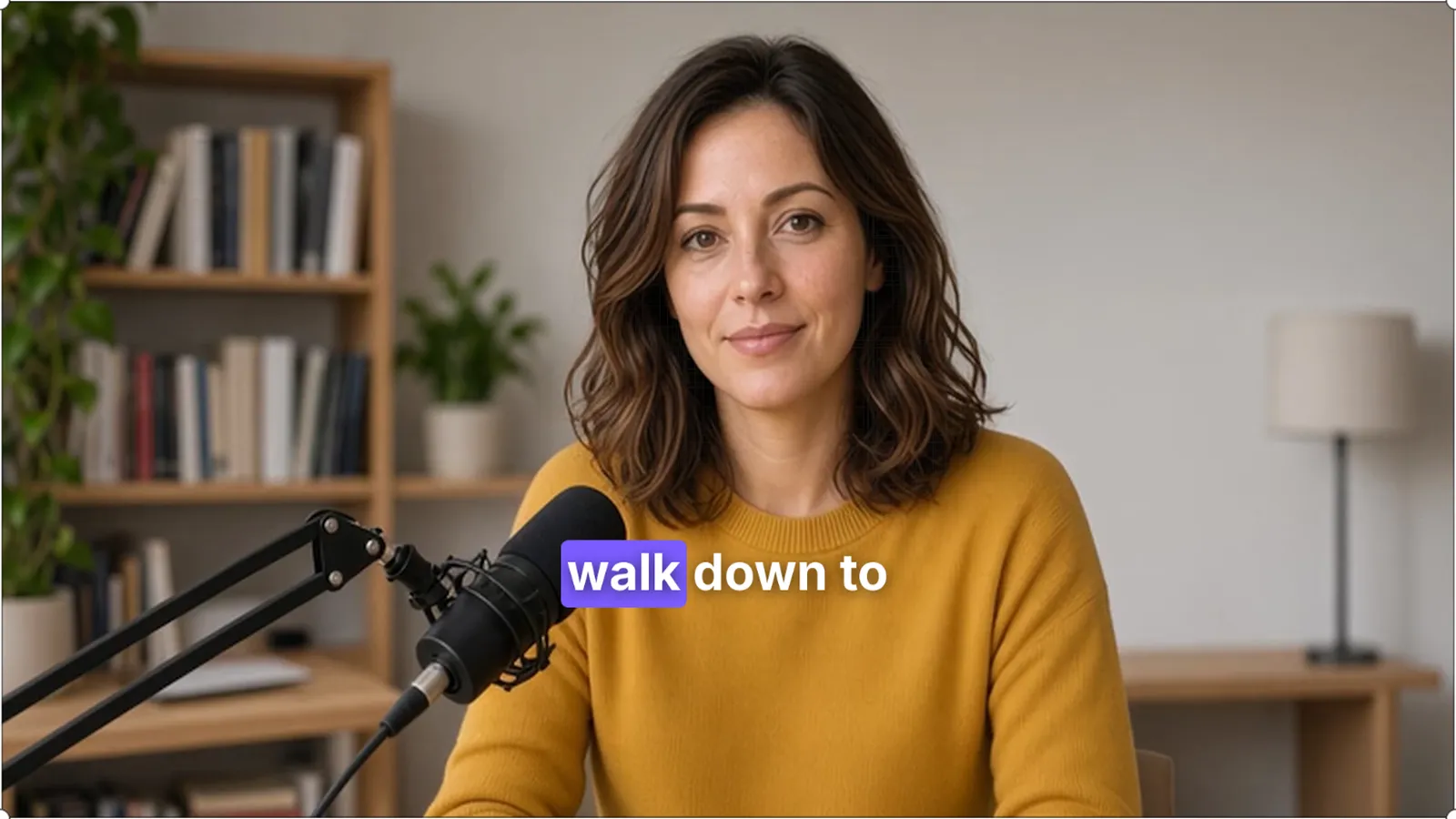
How to do it in Eigami
Select the clip, and in the Video tab’s Fix section, switch on Remove background.
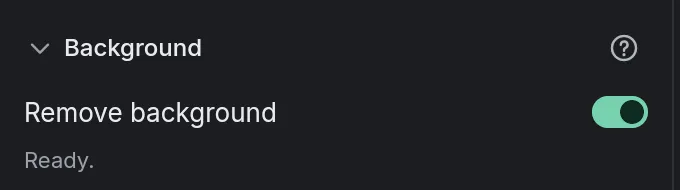
The first time, wait for its download.
Put another video or picture on the track below.
Paint with Keep or Remove over anything kept or lost by mistake.
How it works
Only what your clips show
Only the parts your clips use are cut out: a short clip from an hour-long recording doesn’t wait for the whole hour.
Effects after it
Filters, blur and shadows apply to the person, not to the background that’s gone, in the preview and in the export alike.
The export waits for it
Until a frame is ready, the clip shows whole while you edit; an export waits until every frame it needs is done.
What it needs
- A download the first time: 223 MB.
What it doesn’t do
- It guesses what to keep: loose hair, fast motion and things held in the hand may need the brush.
- Brush strokes stay where they are painted: they don’t follow the person as they move.
- It takes time, frame by frame; on a computer without a graphics card, much more.
Questions
Is my video uploaded?
No. The background is worked out on your computer; nothing is sent.
Can I switch it off and on again?
Yes. Switched off, the clip shows whole; the work done is kept on this computer, so switching it back on doesn’t start over.
Does it need a green screen?
No. If you did film in front of green or blue, Chroma key, in the same section, takes it out with no download.
Coming soon to Windows. Eigami is a free desktop video editor with no watermark. Pro, paid once, adds 4K exports and the tools that do the work for you, with AI on your computer. Free, with Pro paid once, through the Microsoft Store for Windows 10 and 11. The app never asks you to sign in. See what it does
Updated