
Coming soon to Windows
Make a video slow motion, or speed it up
Slow motion, fast motion and speed ramps that ease smoothly from slow to fast and back again, plus clips played backwards and single frames held still on screen.
Free
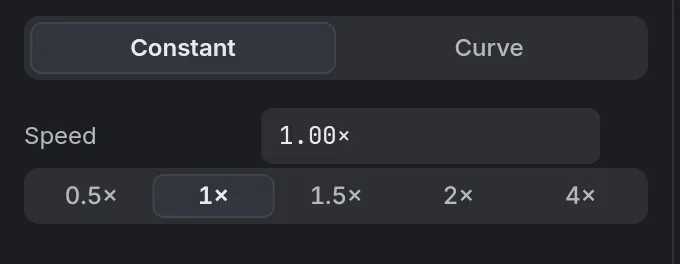
- 0.1× – 10×any speed between, typed or picked
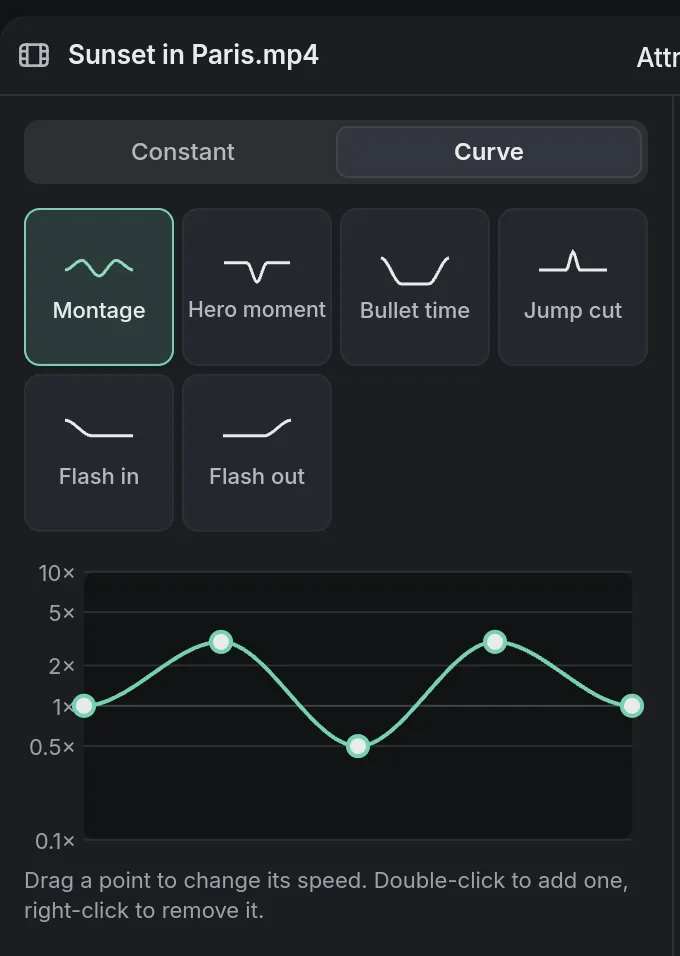
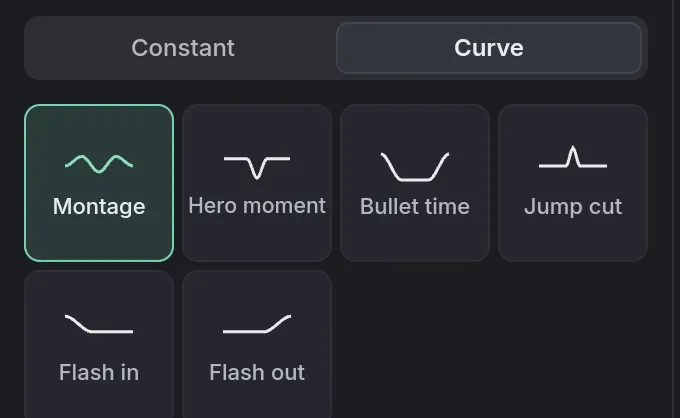
- 6built-in speed curves, from Montage to Flash out, or your own points
- Same pitchsped up or slowed down, a voice doesn’t go cartoonish
How to do it in Eigami
Select a clip on the timeline and open the Speed tab.
Type a speed or pick one, such as 0.5× or 2×; the clip gets shorter or longer to match.
For a speed that changes, choose Curve and pick a built-in curve, or drag its points up or down.
Click Reverse to play it backwards (Alt+R), or Freeze frame to hold the frame at the playhead.
How it works
Smooth ramps
Along a curve, the speed eases smoothly from one point to the next. Trim or split the clip and each moment keeps its speed.
Everything follows the speed
Keyframes, filmstrips and waveforms follow the speed, and the export plays it exactly as the preview does.
Reversed at full quality
Reverse makes a backwards copy at full quality; reverse it again to get the original. A frozen frame keeps the clip’s color and filters.
What it needs
- Nothing to download.
- Free disk space to reverse a clip: its backwards copy is kept at full quality, so it is large.
What it doesn’t do
- Slow motion shows each frame for longer: it doesn’t make new frames in between. For smooth slow motion, film at a higher frame rate.
- The sound always keeps its pitch: there is no option to let it rise and fall with the speed.
Questions
Can I slow down only part of a clip?
Yes. Choose Curve and lower the speed where you want it, or split the clip and give that piece its own speed.
Can I go back to normal speed?
Yes. Each speed change, reverse or freeze frame is one step Ctrl+Z undoes.
Coming soon to Windows. Eigami is a free desktop video editor with no watermark. Pro, paid once, adds 4K exports and the tools that do the work for you, with AI on your computer. Free, with Pro paid once, through the Microsoft Store for Windows 10 and 11. The app never asks you to sign in. See what it does
Updated